 Sự Kiện Vui
 Dạy Vui

 Sign in
Teacher toolsAvailable now
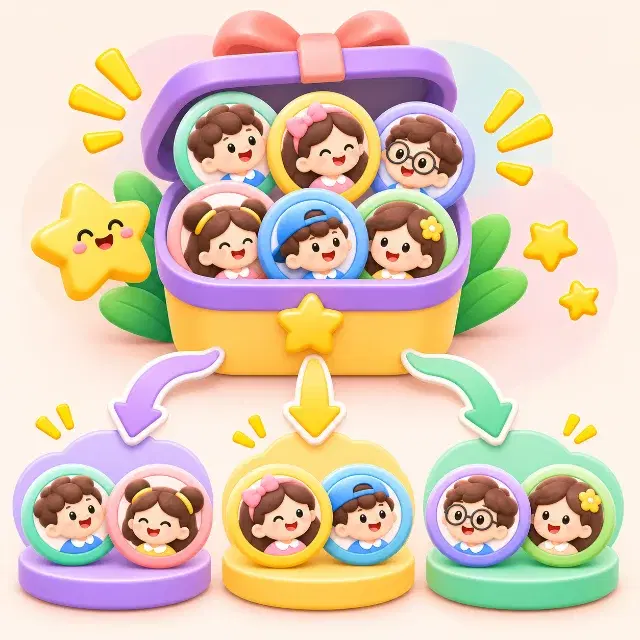
Random groups
Split groups quickly and give students the chance to work with new classmates.
📚 All subjects⏱ 1 min👥 Projector
TRY IT NOW
Try it with a sample class of 24 students
A student's phone; the classmates are simulated.
Sample class of 24 students4 groups · ~6 students each
Class 8A3 is playing with you · 0/31 classmates answered
WHAT DO STUDENTS LEARN?
1Organise group work fairly and quickly.
2Encourage students to work with many different classmates.
3Cut the time spent forming groups before an activity.
HOW TO RUN IT IN CLASS
1The teacher enters or picks the student list.
2Choose the number of groups or the group size.
3The system splits at random and shows the result.
4The teacher adjusts if needed, then confirms the groups.
Supported modes:Whole class
Variations
- Even split: groups have nearly the same number of members.
- Pairs: random groups of two students.
Tips for teachers
- Allow locking some pairs or groups for teaching reasons.
- Only show the student list inside the class allowed to see it.
The teacher gets: Group lists. Only the teacher sees each student's results.

RELATED ACTIVITIES
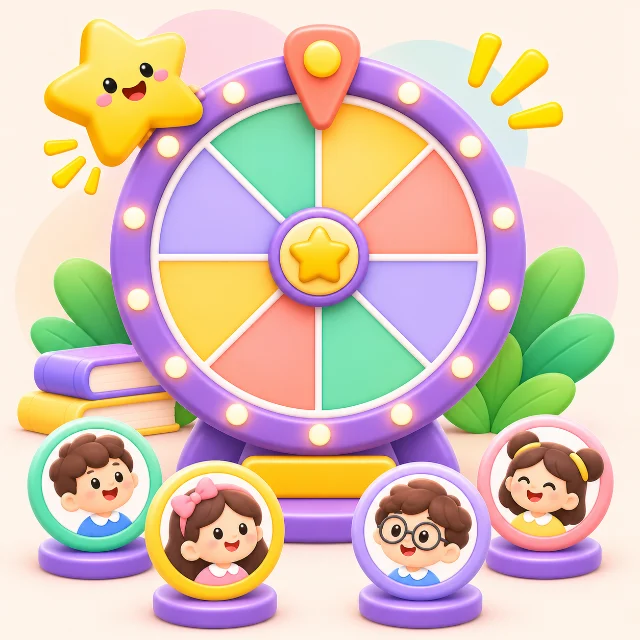 Turn-picker wheelCalling on students, oral checks
 Paper answer cardsClasses with few devices
 Quick check quizLesson start, lesson end, revision
Use Random groups with your class
Build it from your lesson in 2 minutes; the whole class joins with one code.