 Sự Kiện Vui
 Dạy Vui

 Sign in
Teacher toolsAvailable now
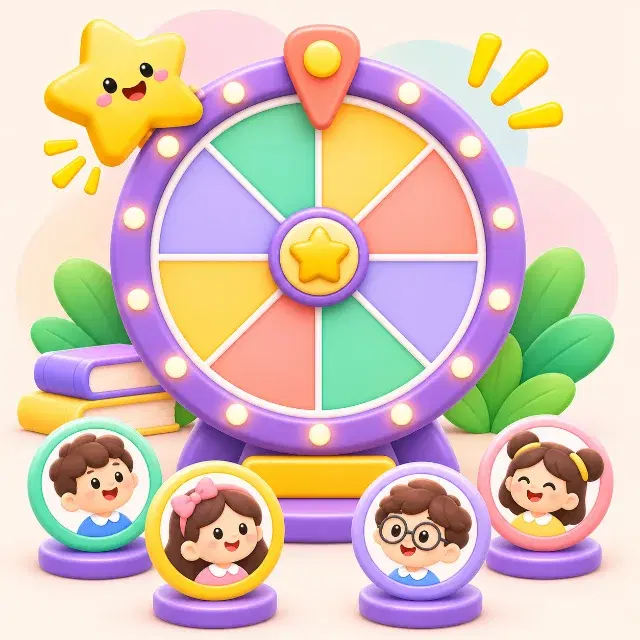
Turn-picker wheel
One small spin, one more chance for the whole class to take part.
📚 All subjects⏱ 1 min👥 Projector
TRY IT NOW
Try it with a sample class of 24 students
A student's phone; the classmates are simulated.
Ready!
Called 0/24 students. Nobody is called twice. Class 8A3 is playing with you · 0/31 classmates answered
WHAT DO STUDENTS LEARN?
1Share out turns at random.
2Make calling a group or choosing a task fun.
3Encourage students to be ready to share.
HOW TO RUN IT IN CLASS
1The teacher enters the list of groups or tasks.
2Open the wheel on the classroom screen.
3Spin to pick one item at random.
4Do the activity and move on to the next turn.
Supported modes:Whole class
Variations
- Call a group: pick the group that presents its result.
- Pick a task: spin to decide the question or topic.
Tips for teachers
- Offer the option to remove picked items so turns do not repeat.
- Let students swap turns when they are not ready; do not add pressure.
The teacher gets: History of turns. Only the teacher sees each student's results.

RELATED ACTIVITIES
 Random groupsGroup activities
 Paper answer cardsClasses with few devices
 Quick check quizLesson start, lesson end, revision
Use Turn-picker wheel with your class
Build it from your lesson in 2 minutes; the whole class joins with one code.